


Ask AI
Ask anything about your project.
Vyam knows your plan, reads your files and checks the web, then answers in plain words and shows where the answer came from.
What you can ask
One place for the questions a project raises
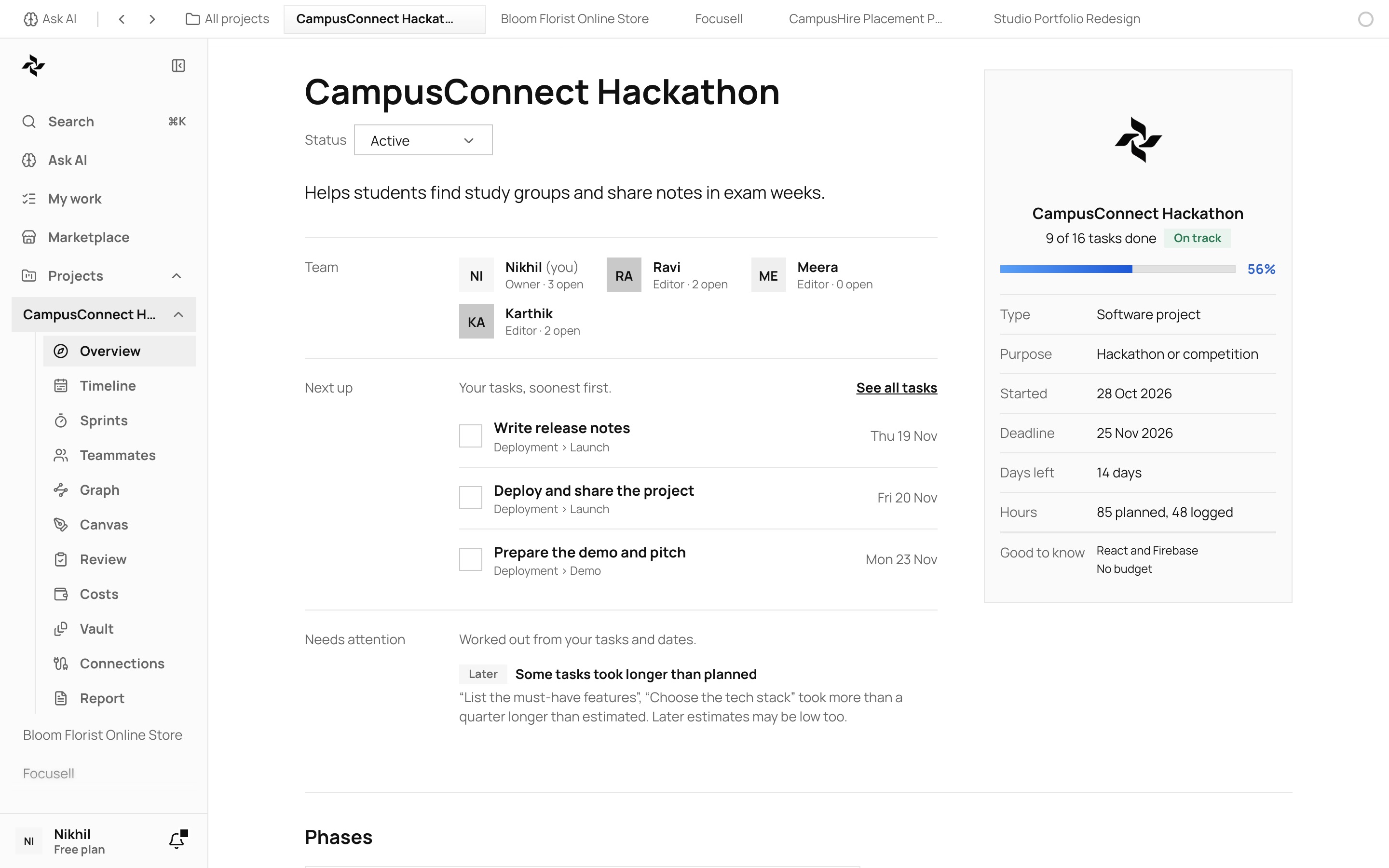
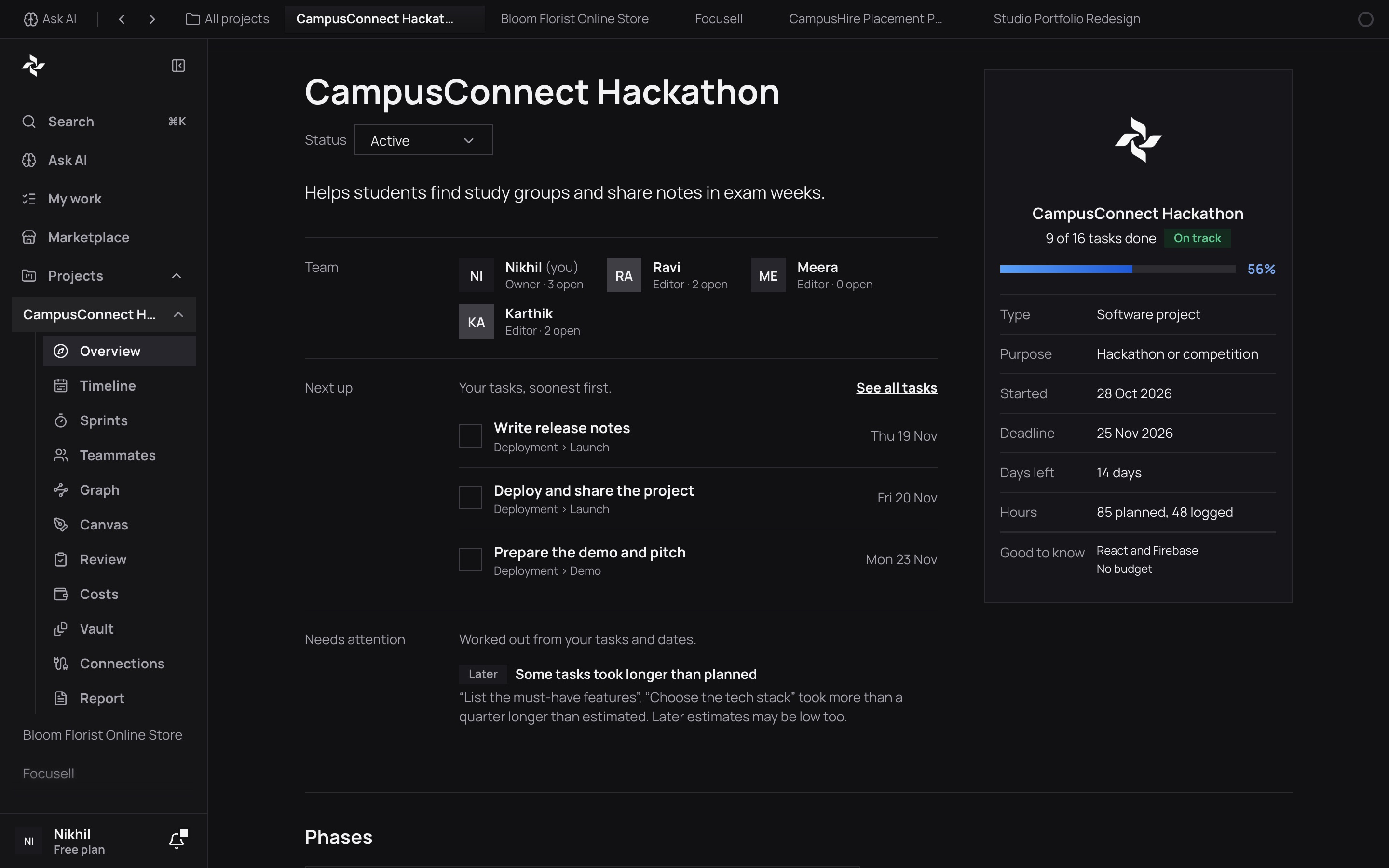
How is my project going?
Progress, what is late, who has what and what is next, worked out from your own plan and not guessed.
What does this file say?
Add a PDF, a Word file or a text file and ask about it. Each answer points to the file it came from.
What is the price, the weather, the time?
Facts from outside Vyam, with where they were found. A share price comes with its delay and never with advice.
Make me a document
A proposal, a requirements document or a handoff note. It asks a few questions first, then makes it as Word, PowerPoint or PDF.
Start a new project
Describe the idea in your own words and get a plan with tasks and dates that you can edit before anything is saved.
How it works
Short answers, with the proof beside them
1
You ask
Type, speak or add a file. Ask about a project, a file or anything else.
2
It reads only what it needs
It looks at the part of your work the question is about, and at the web only when the question needs it.
3
You get an answer you can check
Short, plain, with the source beside it. Nothing is saved or changed until you say so.
The AI sees only what you send it when you ask. Every answer uses a few AI credits, and the Free plan includes 100 a month. Read what is kept in the Privacy Policy.
Describe an idea, get a plan you can edit, and follow it through to launch with your team.